Pick up right where you left off
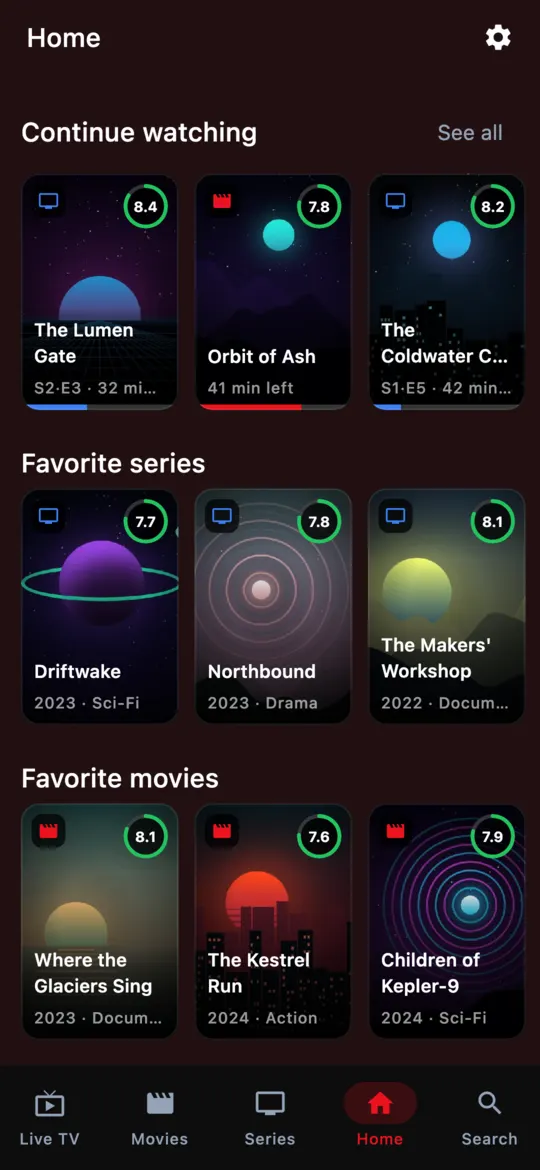
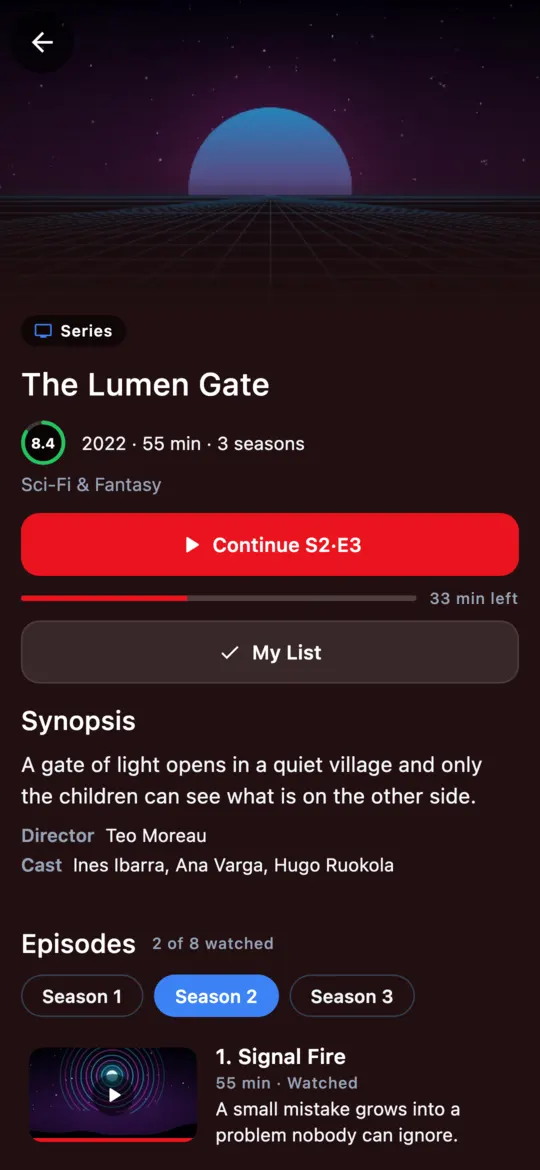
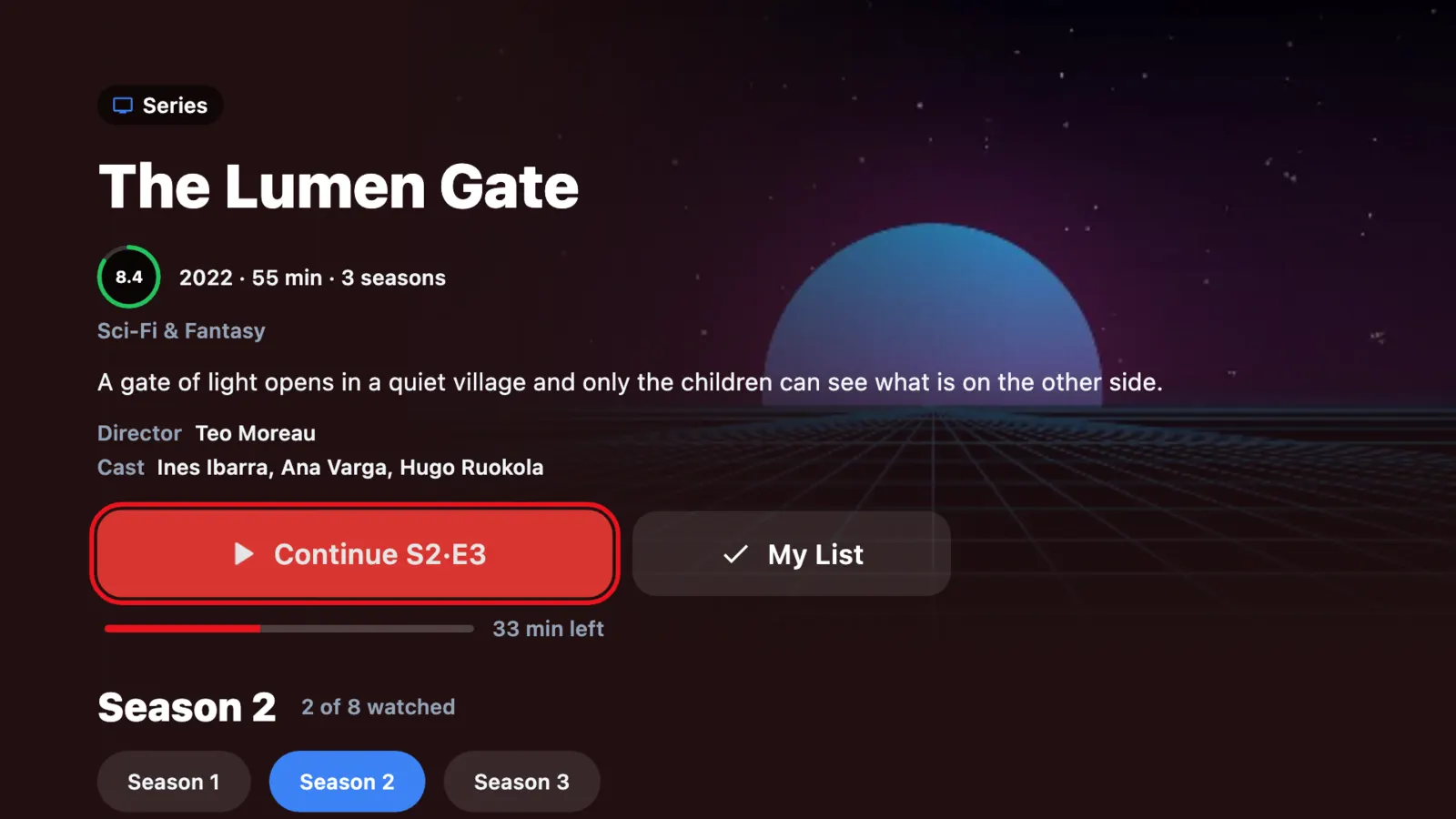
Nuvix saves the exact minute of every video and episode and brings it to all your devices.
- Progress per episode and season
- Favorites and history at hand
- Synced across screens
Media player · No ads
Nuvix Player organizes your M3U playlists and plays them on your phone, TV and computer. Start on the couch, carry on at your laptop: the exact minute is waiting for you.
Android · Android TV · Google TV · macOS · Windows · Linux
The problem
A file with hundreds of unsorted entries. A different app on every device. And every time you switch screens, hunting for where you were.
Scrolling through hundreds of entries to find the one you want.
Favorites, settings and history stuck on a single device.
Resuming a video means dragging the bar until you get it right.
Nuvix sorts it out for you: categories, favorites, search and progress synced across all your screens.
How it works
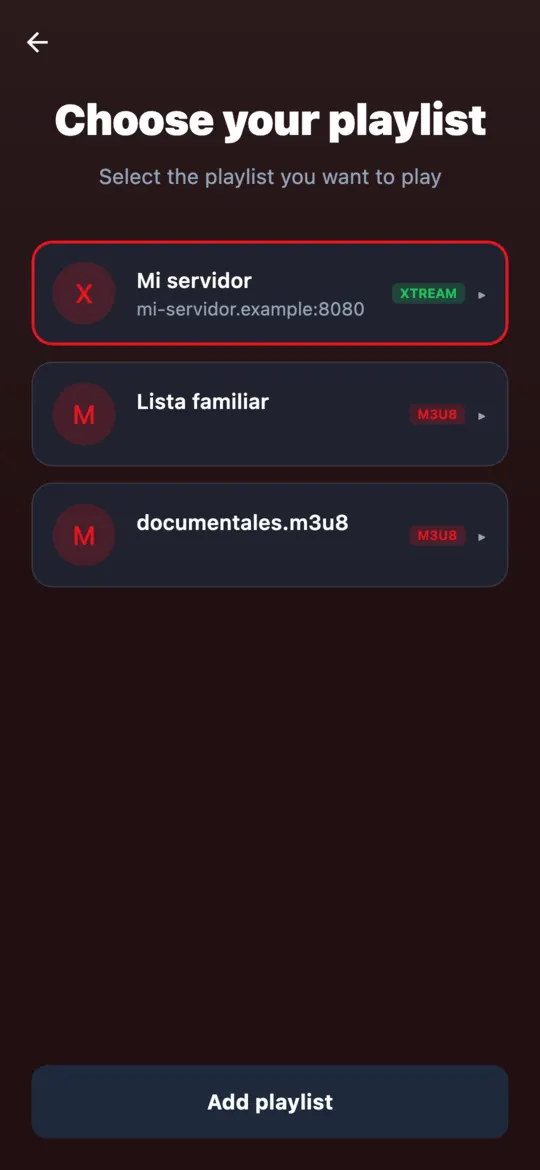
Import an .m3u / .m3u8 file, paste its URL or connect your server with username and password.
Categories, artwork and program guide when your playlist includes one. Nothing to configure.
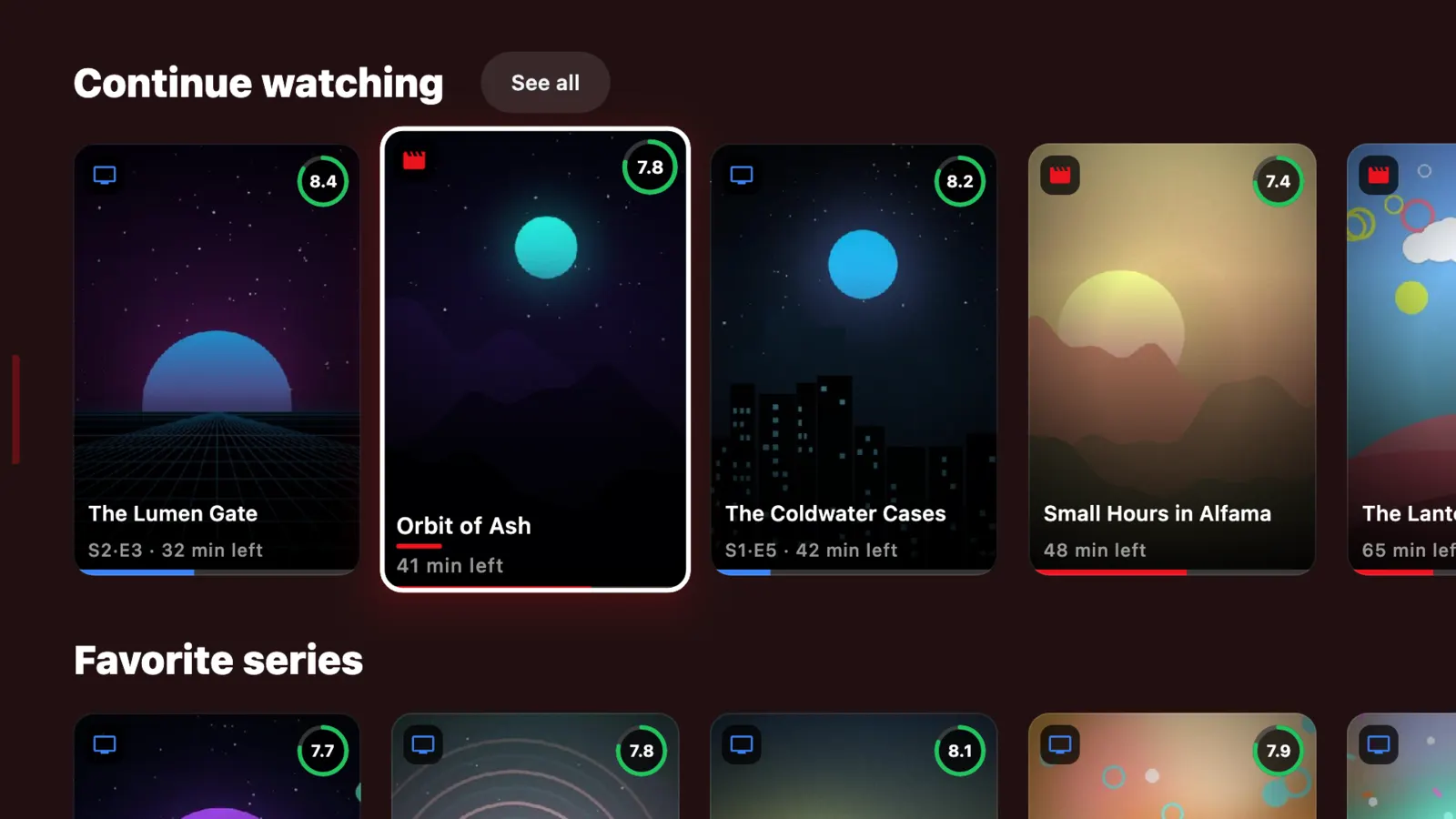
Phone, TV or computer. Whatever you leave halfway waits for you in “Continue watching”.
Features
Nuvix saves the exact minute of every video and episode and brings it to all your devices.
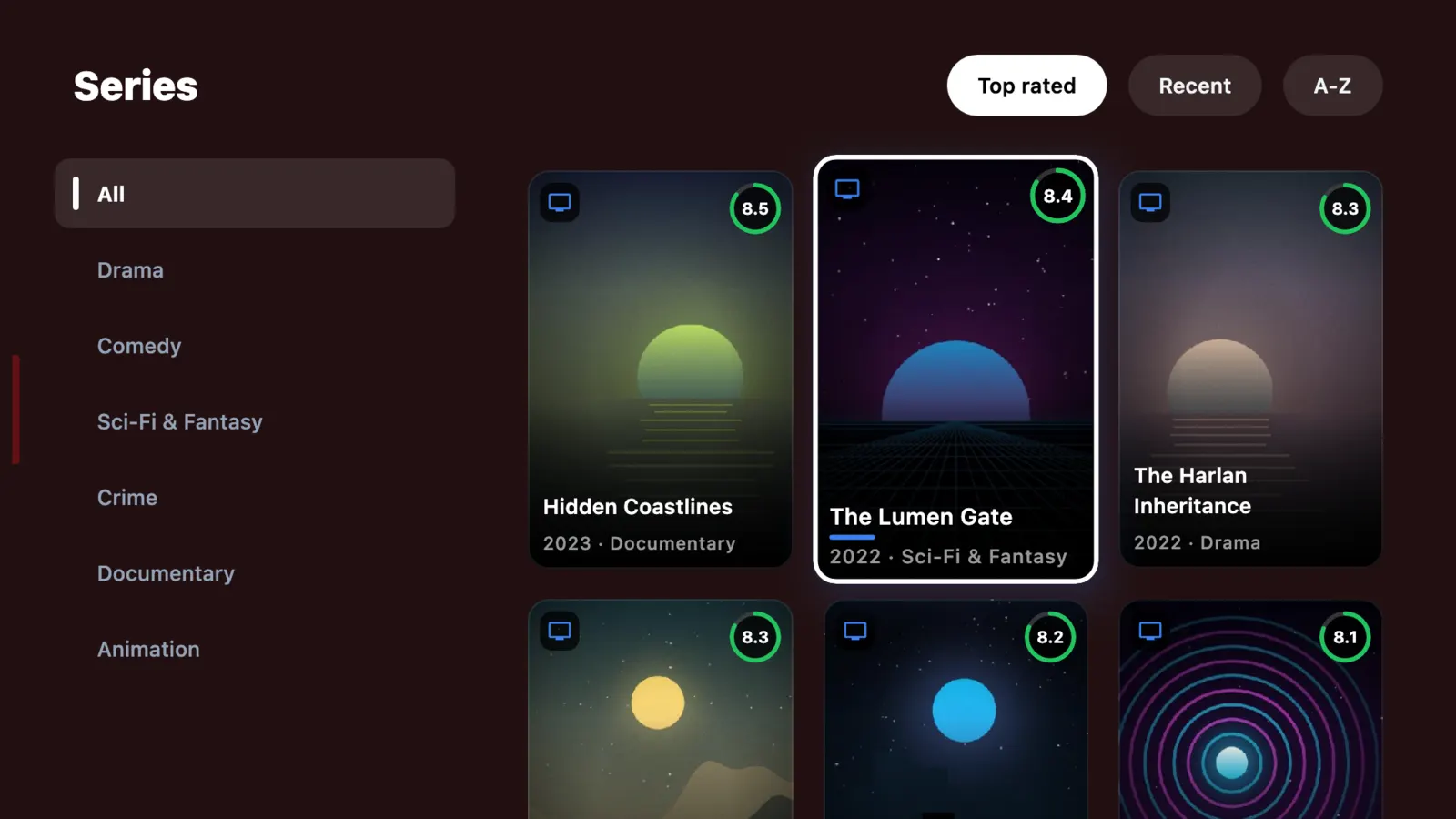
Your playlists, sorted into categories. Filter by rating, recent or A-Z, or search all of them at once.
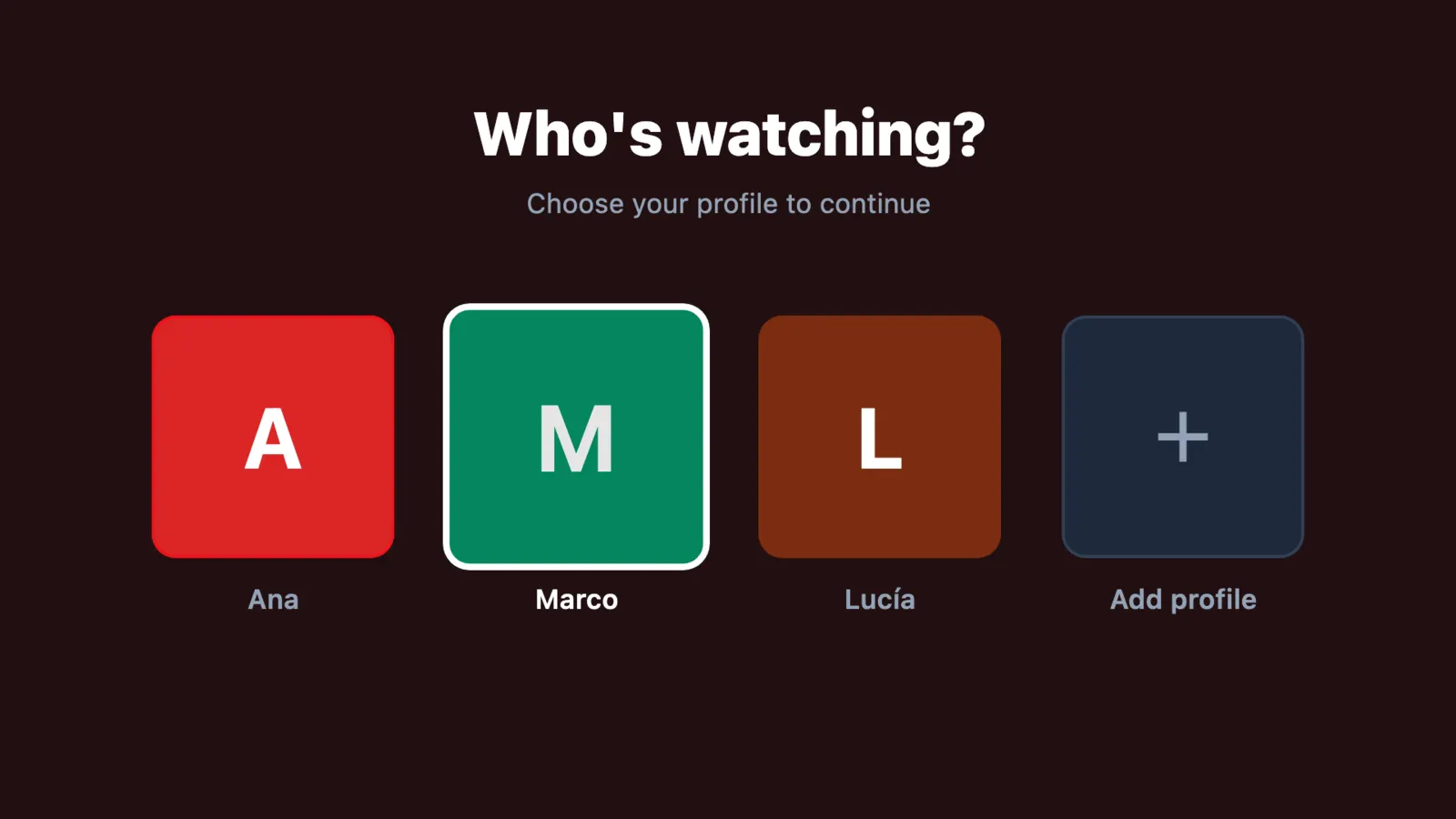
Everyone at home gets their own favorites and history, nothing mixed up.
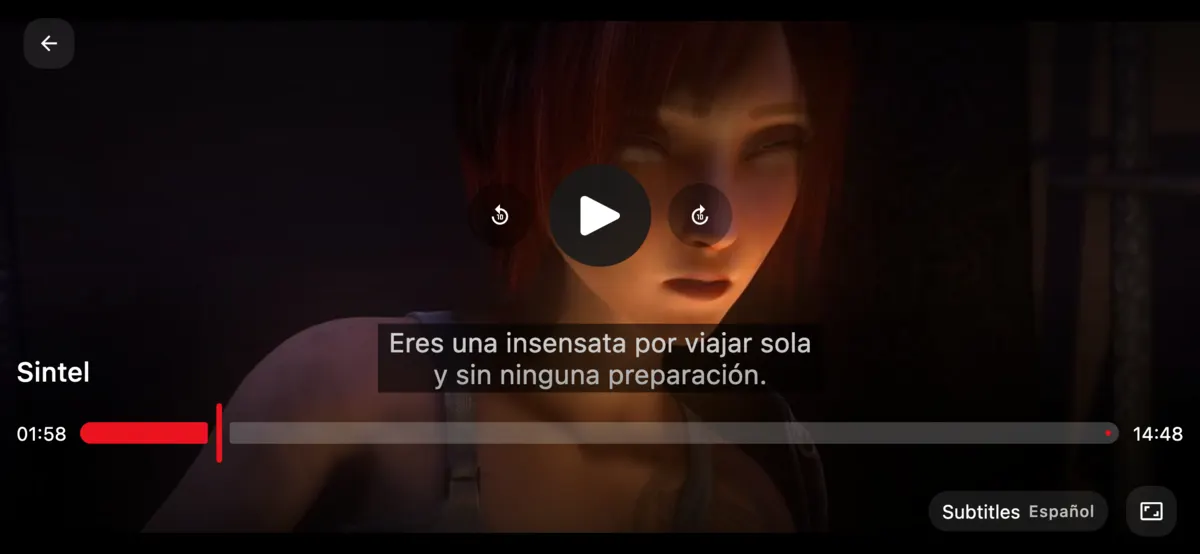
Choose the audio track and subtitles when the source provides them. Nuvix picks your language first.
Now and next on live streams, when your playlist includes EPG.
Your playlists refresh on their own at the frequency you choose.
Previews with quality tuned to your device’s memory.
No banners, no promo videos, no ad tracking.
On TV
Not a stretched phone app: on TV, Nuvix has its own interface, made to be read from across the room and driven with the arrow keys.
Pricing
No commitment. Cancel anytime.
To use Nuvix on one device.
€0
For the whole household and all your screens.
€3 / month
or €14.99 / year
Subscribe in the app (Google Play) or on the web. Store prices may vary by country.
Premium unlocks player features. It does not include or give access to any content.
Transparency
Only use Nuvix with content you have the right to play.
Download
Free. One account for all your devices.
Phone, tablet, Android TV and Google TV
Get it on Google PlayAndroid 8.0 or later
Version v2.0.0
Already have an account? Manage your subscription
FAQ
No. Nuvix Player is only a player and comes empty. It plays only the playlists and sources you add.
No. We do not provide, sell or recommend playlists or sources, and we are not affiliated with any provider.
.m3u / .m3u8 files or URLs, and servers with username and password compatible with the Xtream Codes API.
Android (phone and tablet), Android TV, Google TV, macOS, Windows and Linux. With a single account.
Yes, with no time limit: live streams from your playlists, 1 profile and 1 device. Premium adds on-demand video, more profiles and more devices.
If you subscribed on Google Play, from Google Play. If you subscribed on the web, from your account on this site. No commitment, no fees.
What Nuvix needs to work: your email, your profiles, the playlists you add, your favorites and your progress. No advertising and no selling of data. Details are in the privacy policy.